
Lyrics, Scripture and announcements on your worship screens. A free app for Mac and Windows.
The whole service,
in one window.
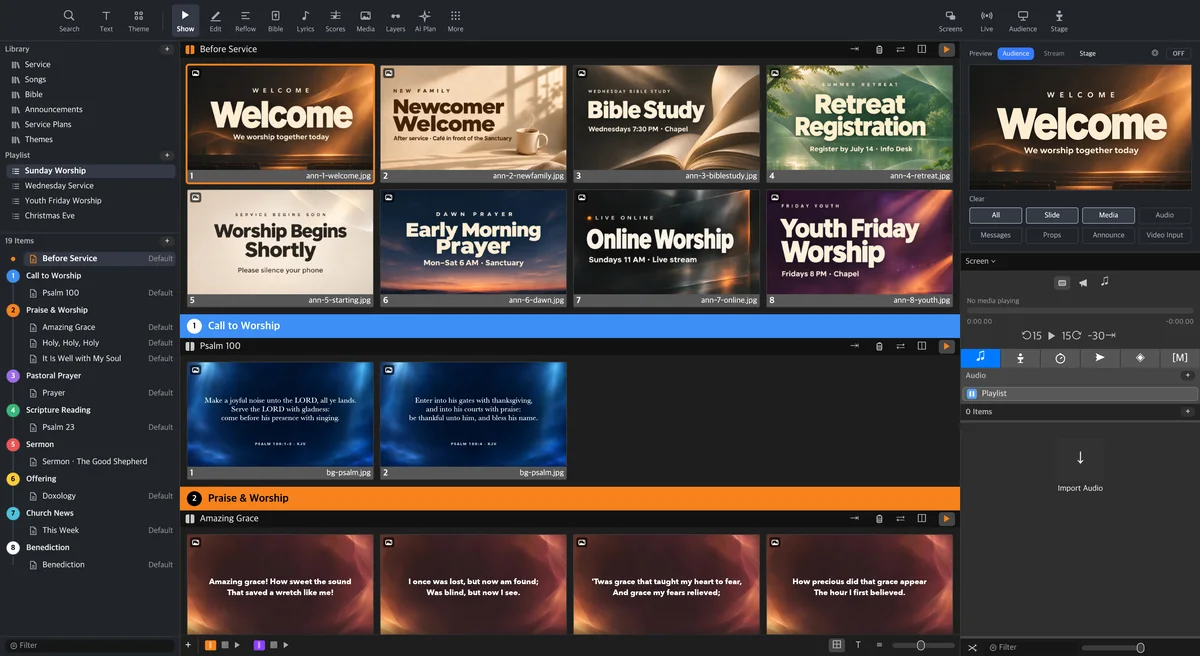
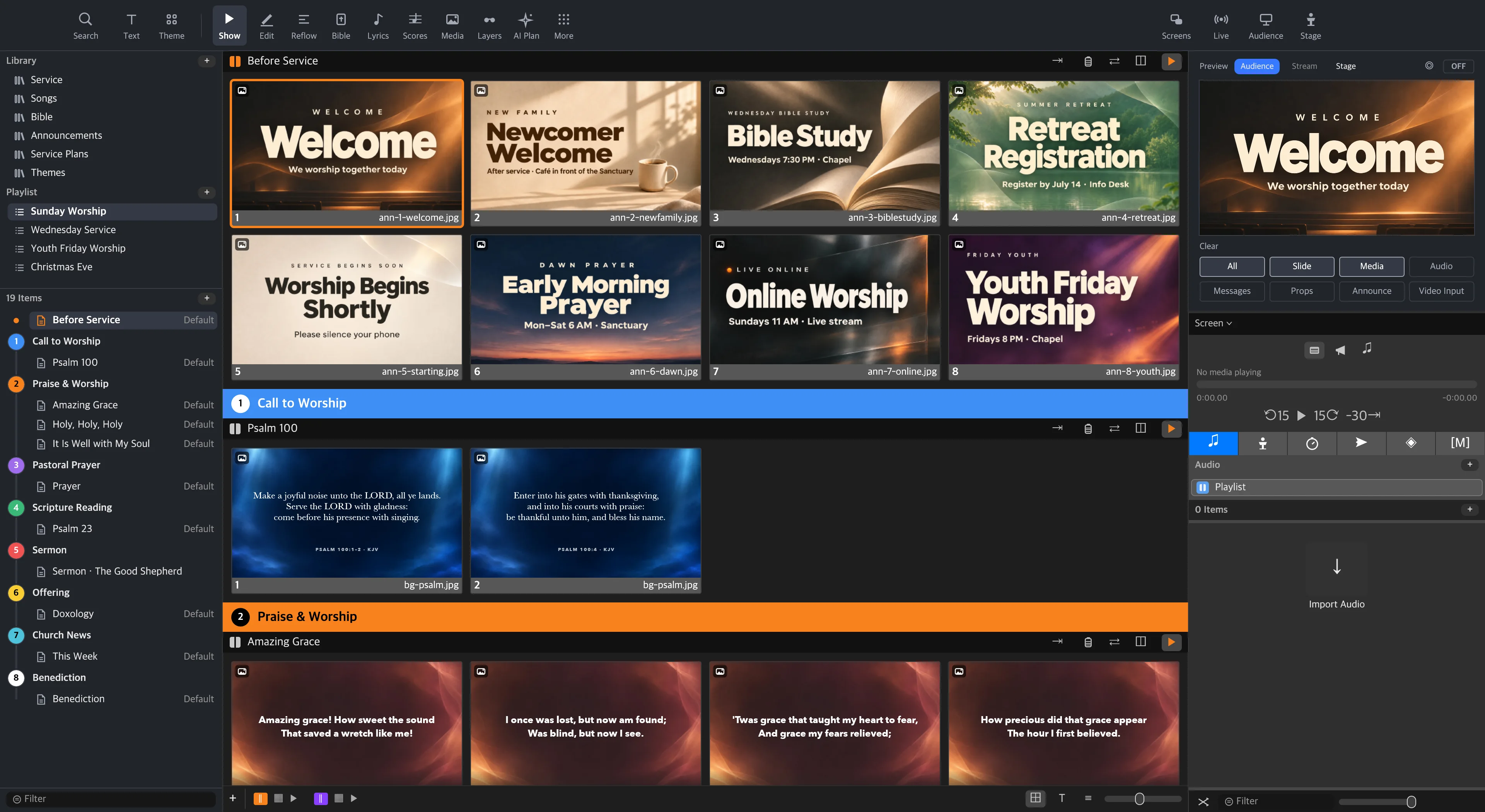
From library to playlist, from playlist to the output screen. Prepare and present in the order of your service.
In service order,
step by step.
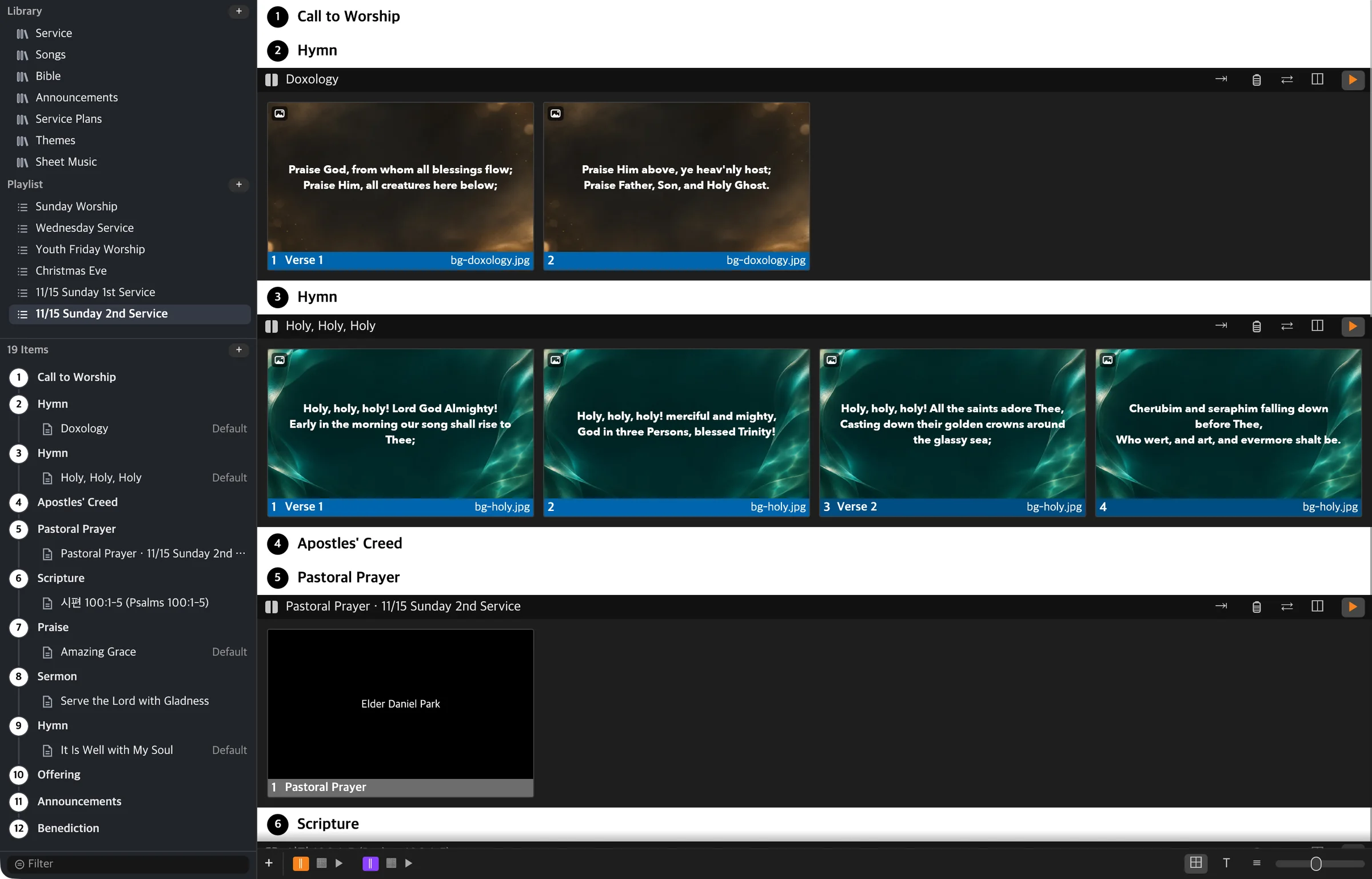
- Playlist. Numbered circles follow the order of service.
- Slides. See every slide in playlist order, one after another.
- Preview. Watch what’s going out and clear it layer by layer.
- Output. Exactly what the congregation sees.
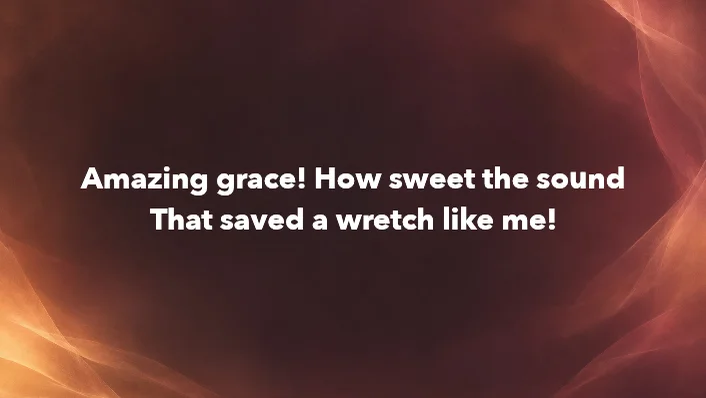
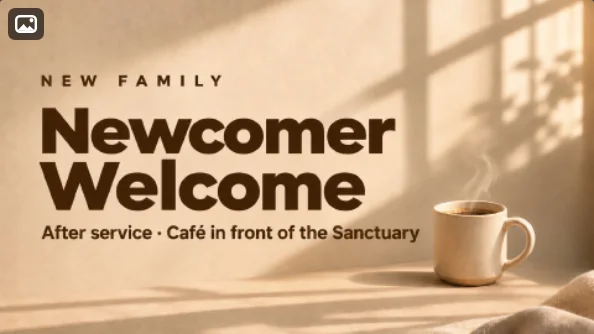
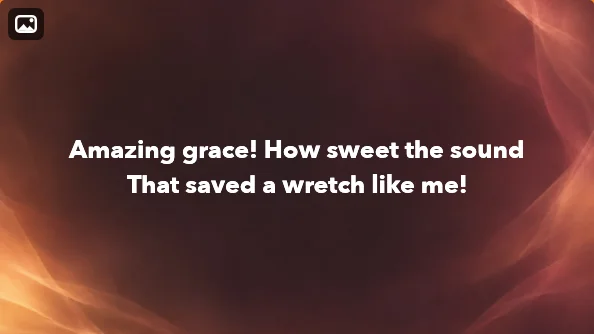
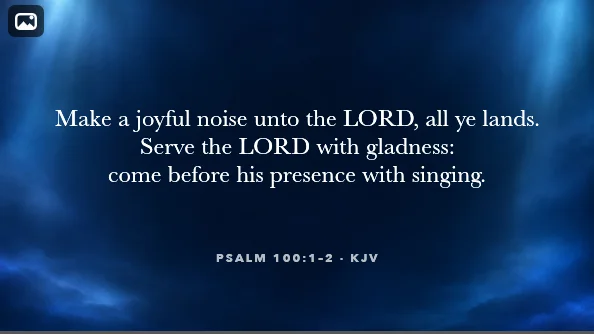
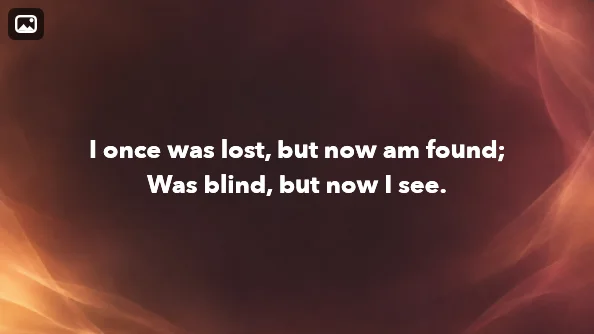
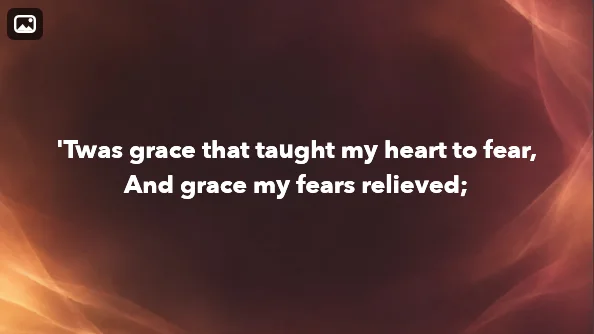
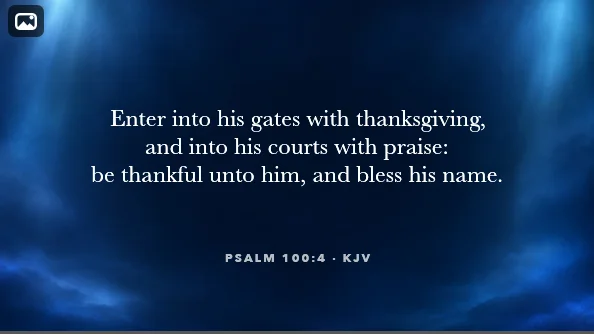
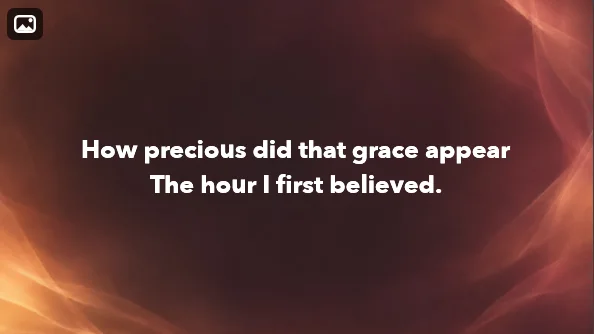
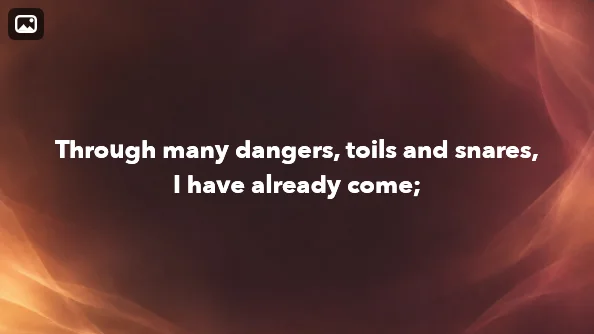
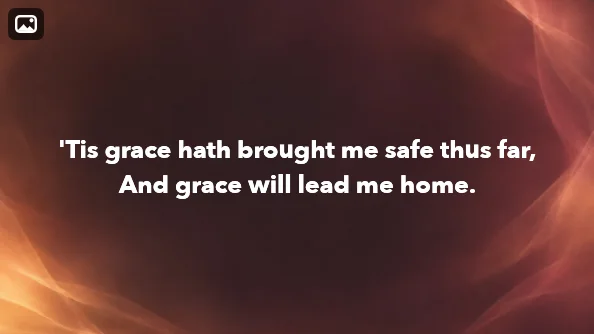
Lyrics, Scripture, announcements.
Lay photos and videos behind your slides and group them into worship screens.



AI Service Plan
From bulletin
to service plan.
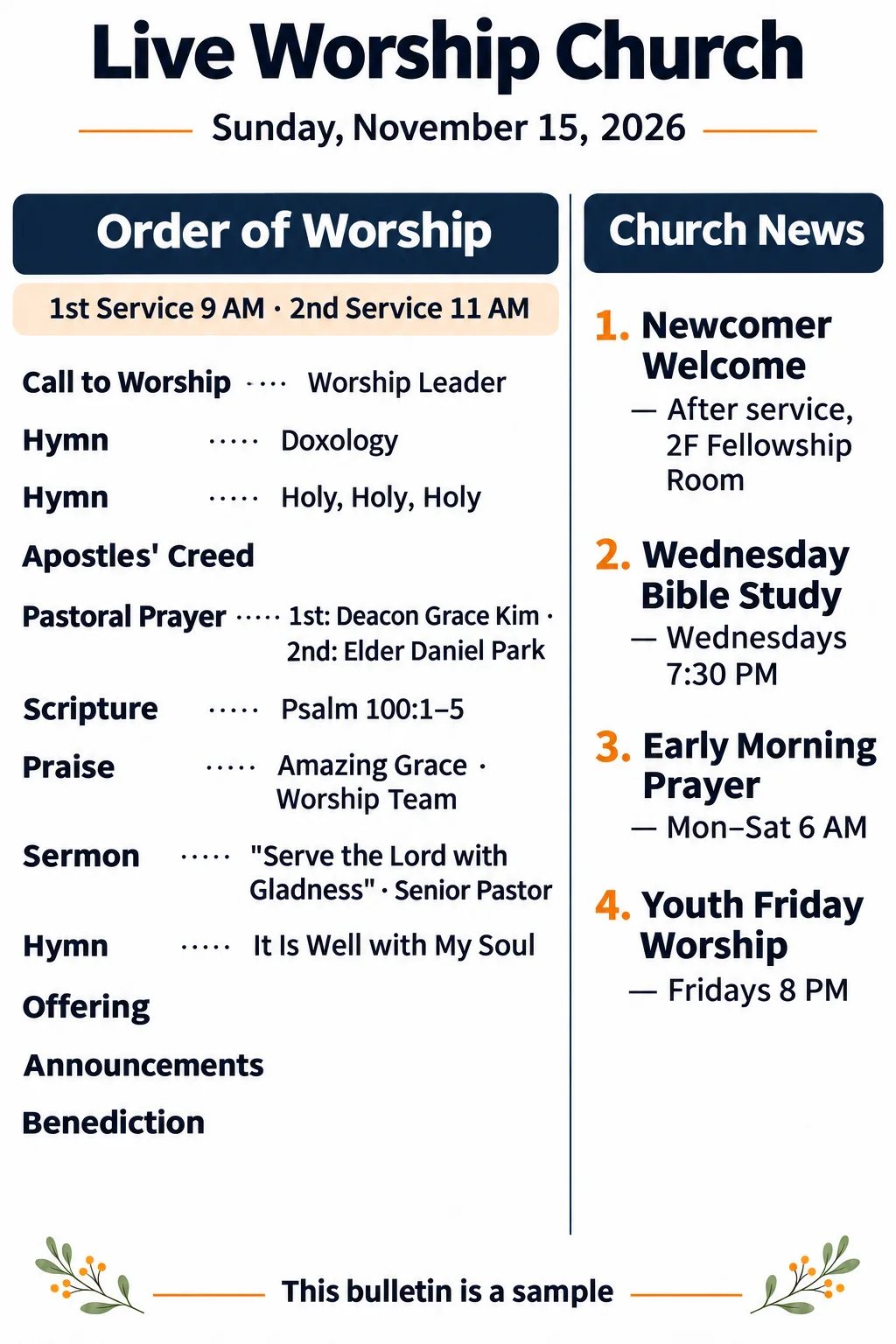
- Bulletin. Drop in a PDF or a photo as it is.
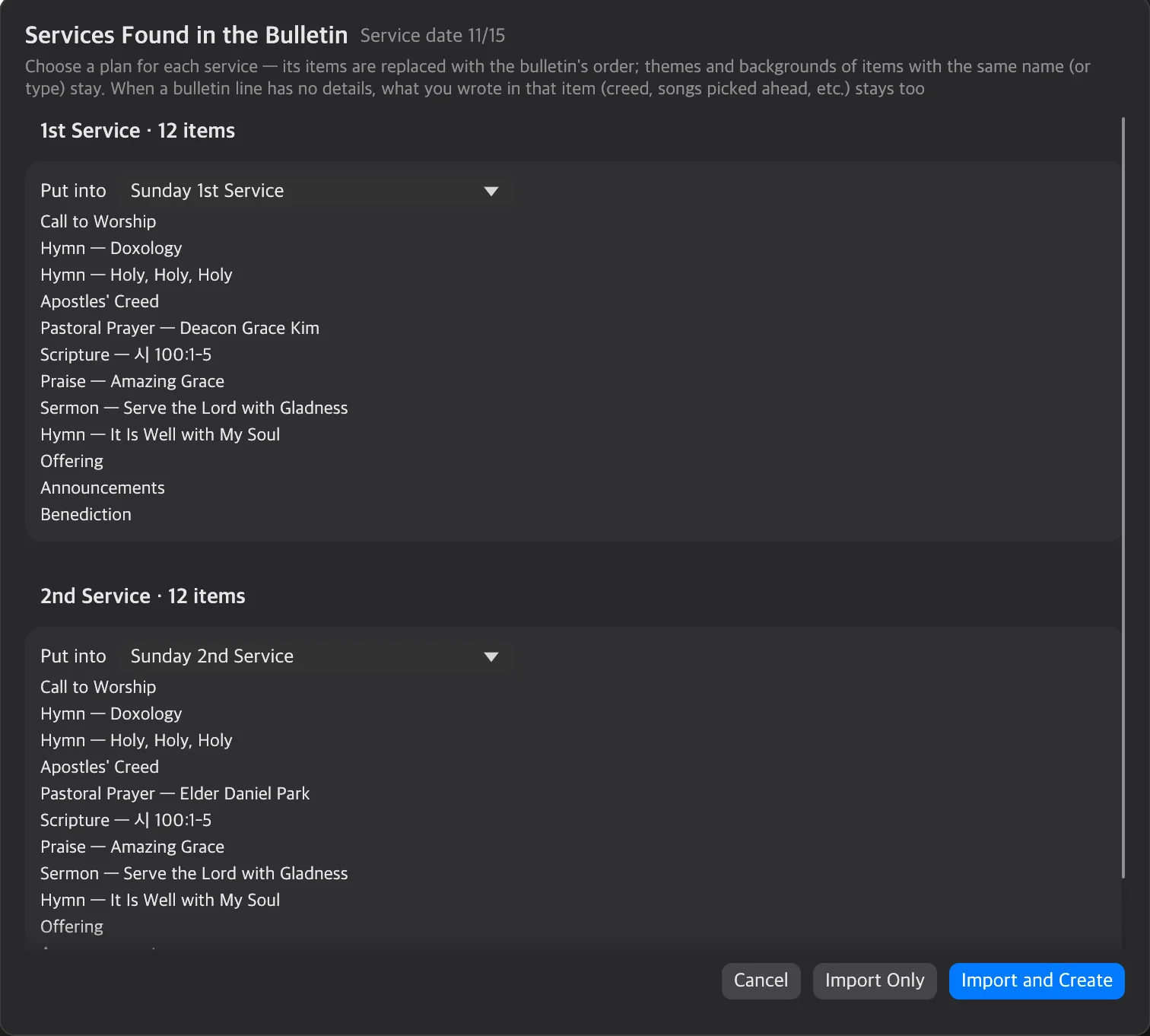
- Read. Claude reads the bulletin and builds a separate plan for each service.
- Done. Hymns, Scripture and sermon become a playlist.
Bible
Scripture in Korean and English,
on one screen.
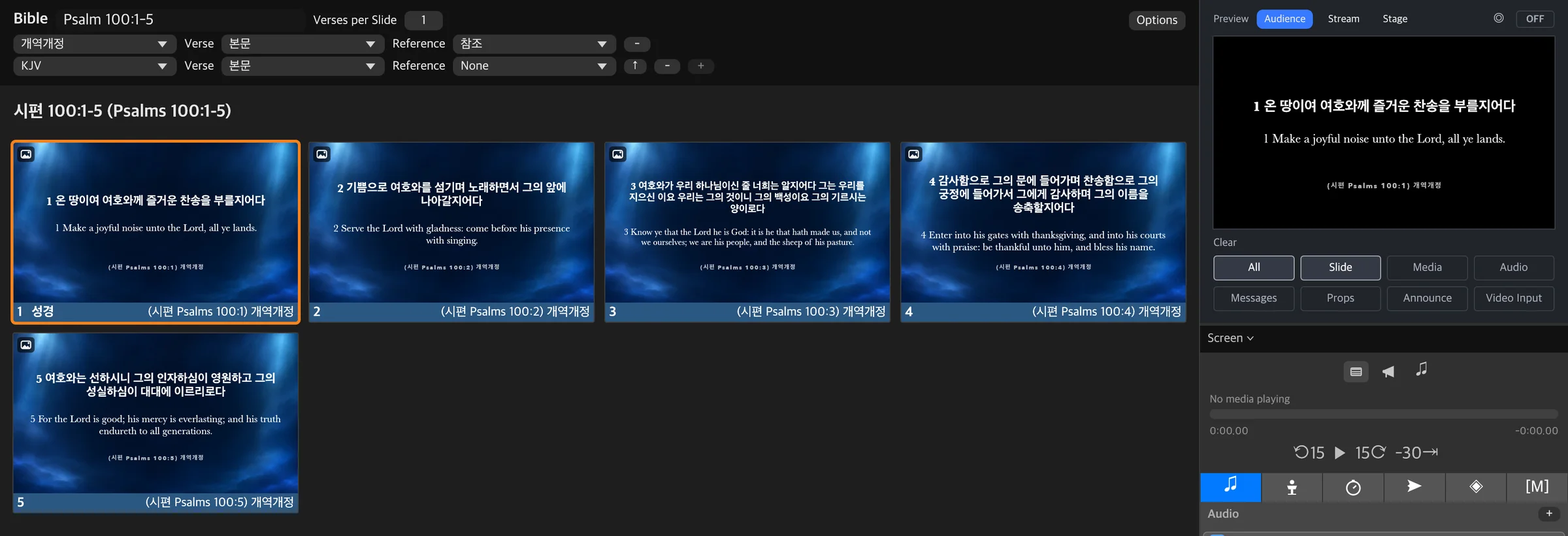
Type a reference and it becomes slides. Show a Korean and an English Bible together on each slide.
Lyrics
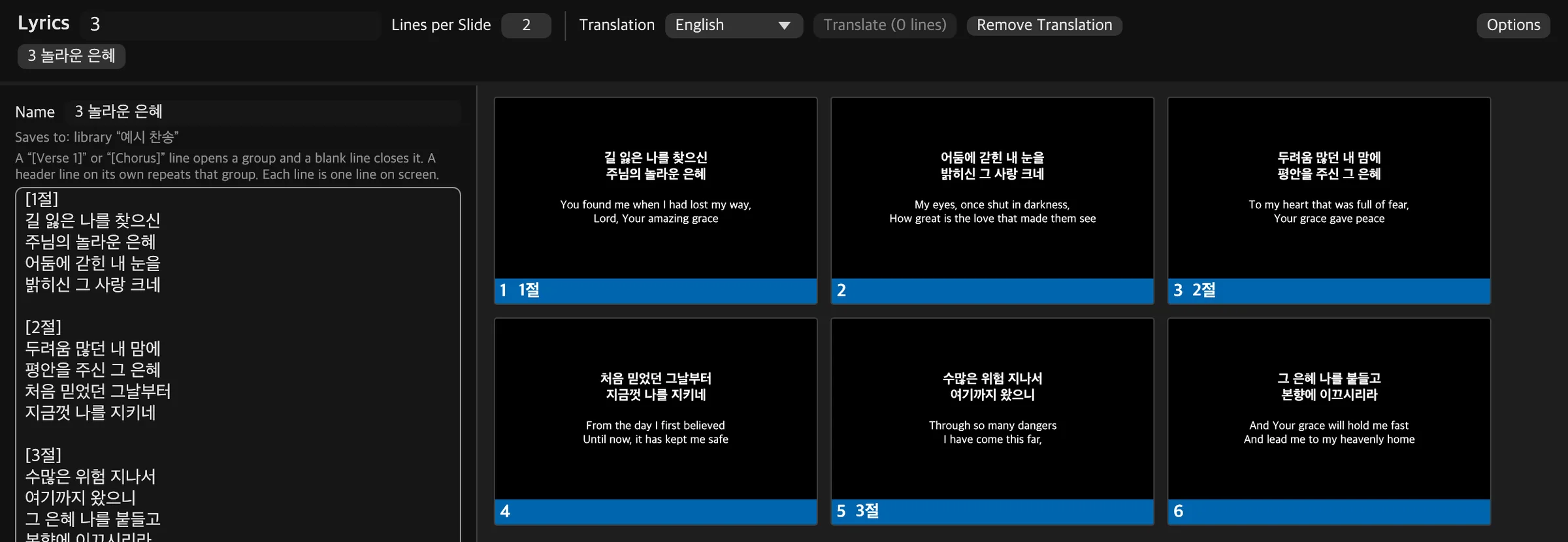
Type a hymn number,
get lyric slides.
Lyrics are split into 2–4 lines to fit the screen, and Claude adds an English translation underneath.
Sheet Music Library
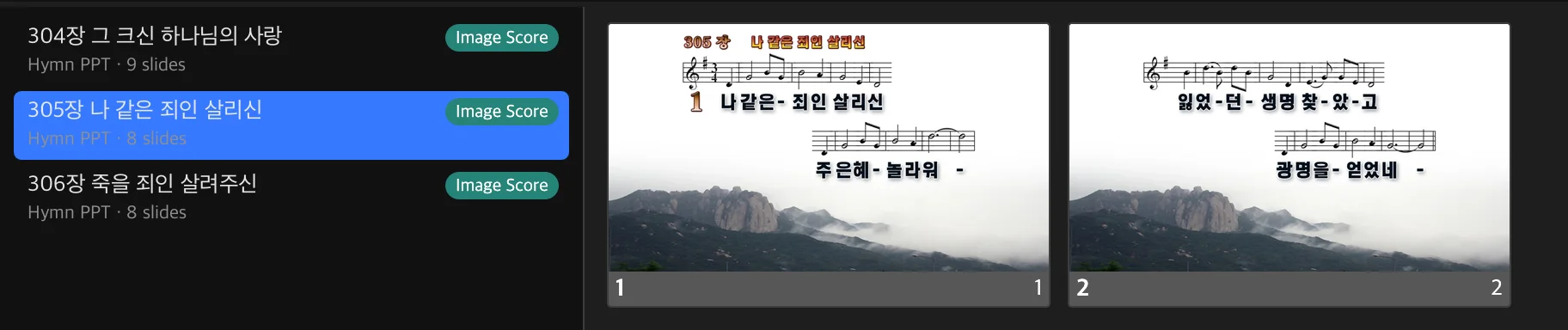
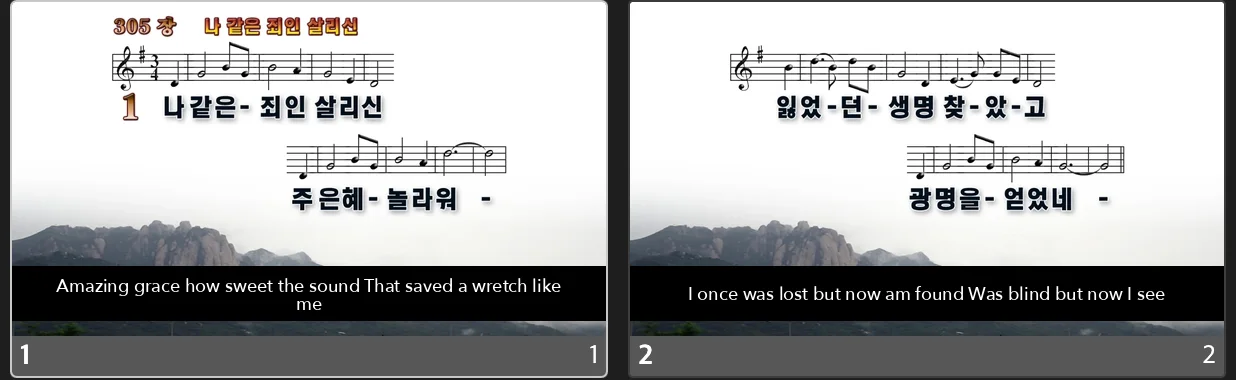
Find your sheet music,
show it right away.
Keep PowerPoint and image sheet music in one place and search by title or lyrics. AI reads the music and adds English captions.
Free photos & videos
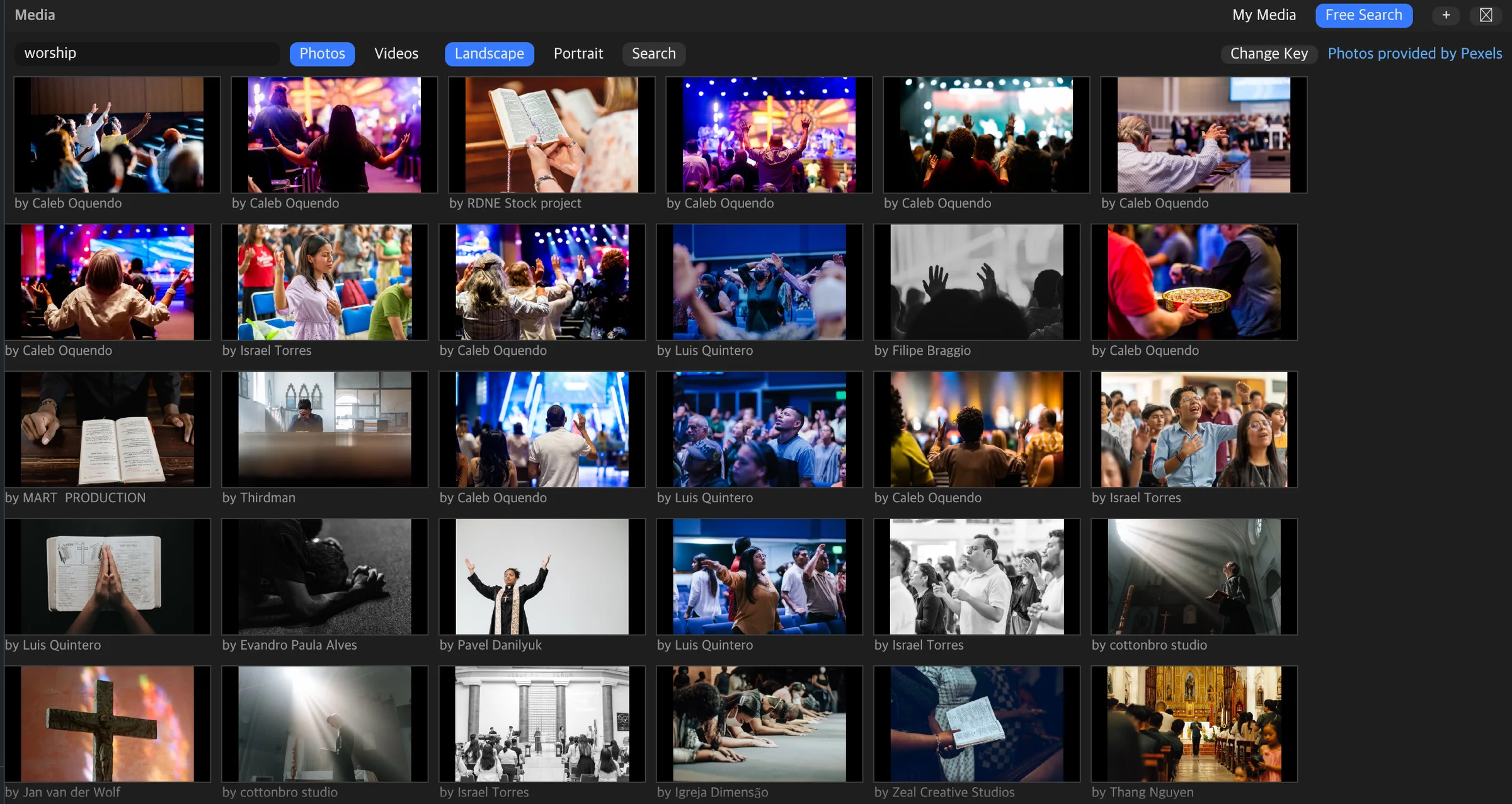
Background photos and videos,
found inside the app.
Search and download free photos and videos from Pexels, then drag one onto a slide to make it the background.
Import · Edit
Import, refine,
save as a theme.
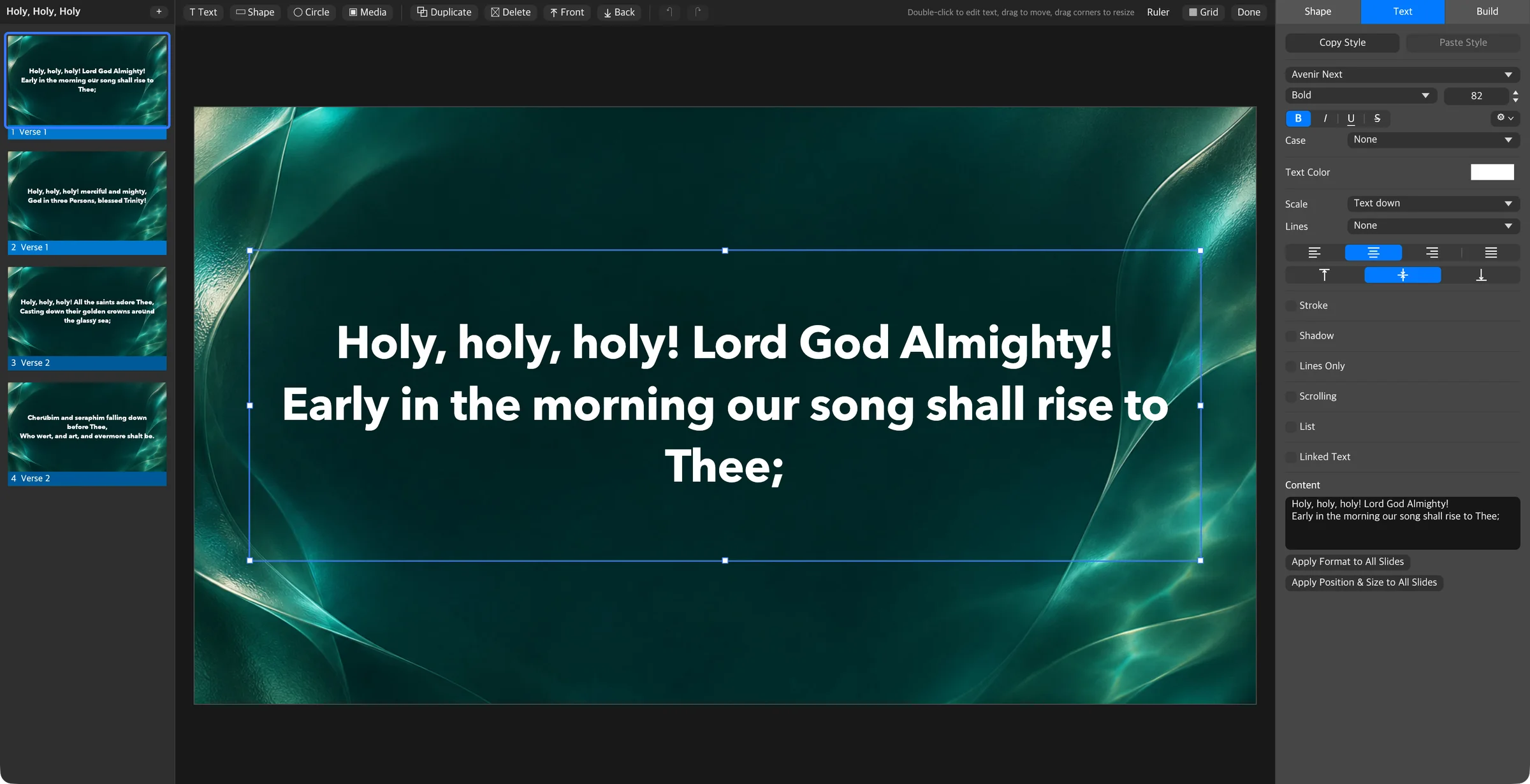
Import PowerPoint and .pro files, refine them in the editor, and save the looks you use often as your own themes.
From audience to NDI®.
Four kinds of screens.
Style each audience and stage screen on its own, and send to live streams and NDI® too. Connected monitors are remembered.
- Audience
- Stage
- Live stream
- NDI®
Show All Screens
Every screen at a glance,
in real time.
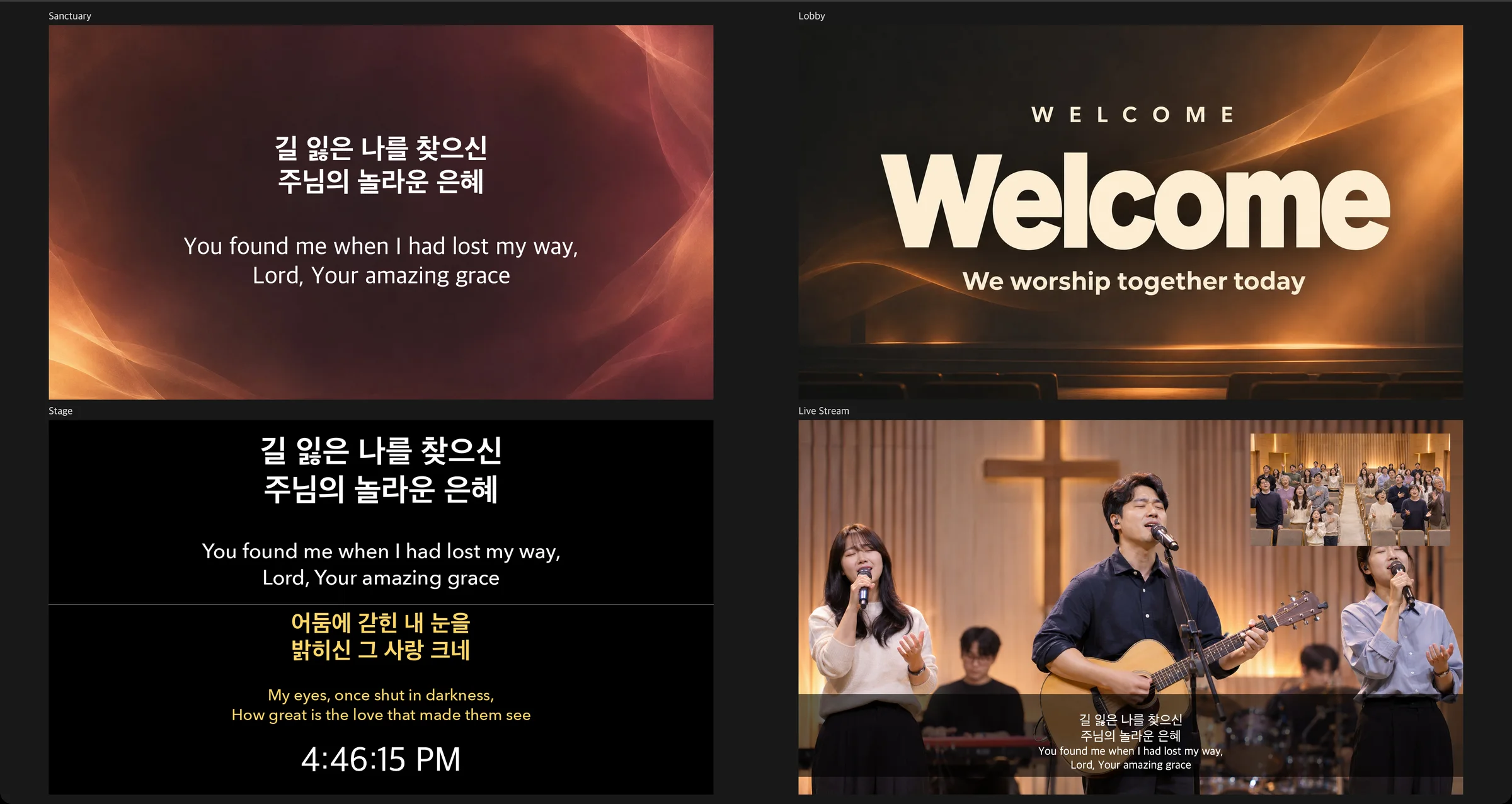
See what the sanctuary, lobby, stage and live stream screens are showing right now, in one window.
YouTube live
Live on YouTube,
from one app.
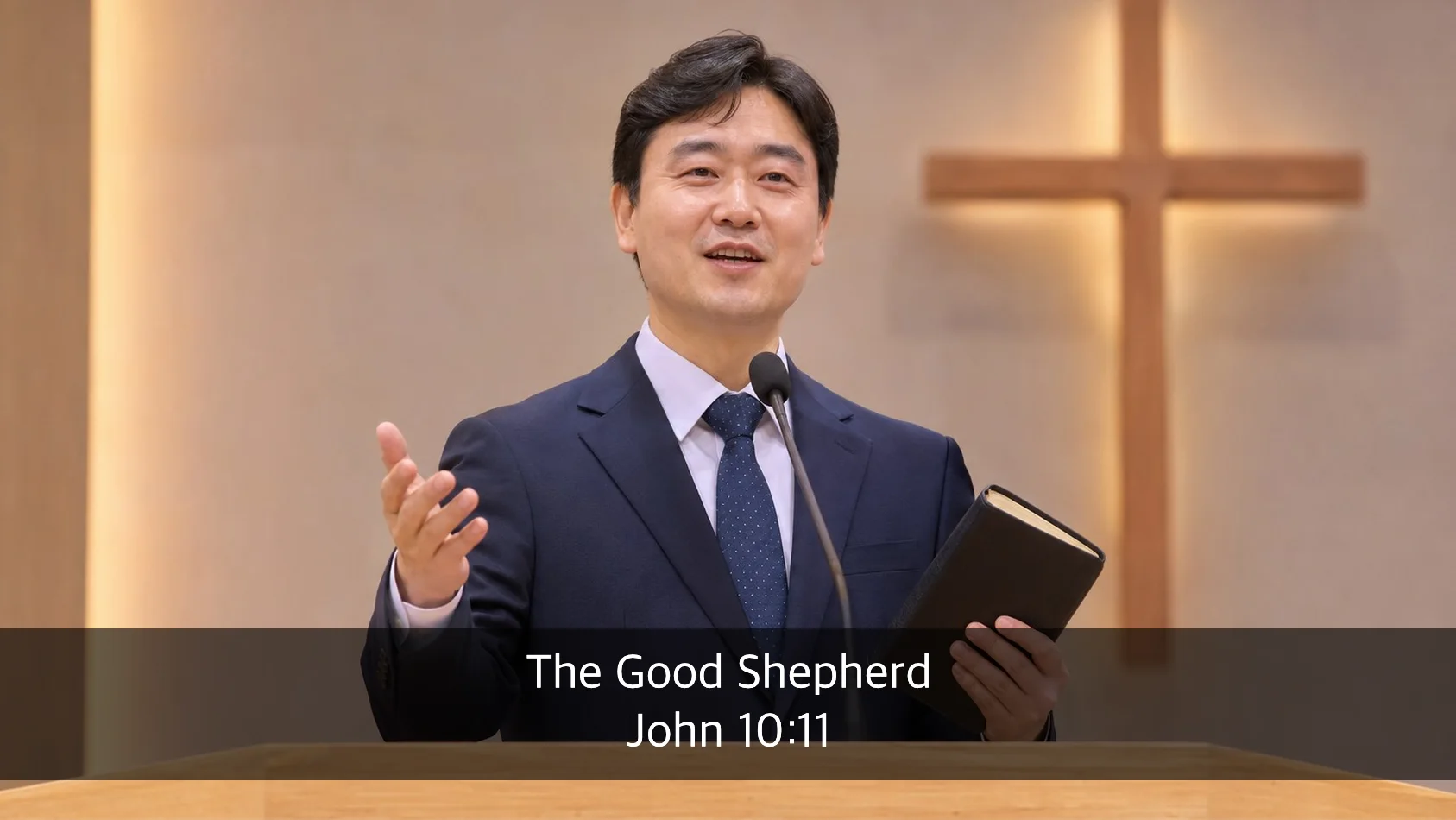
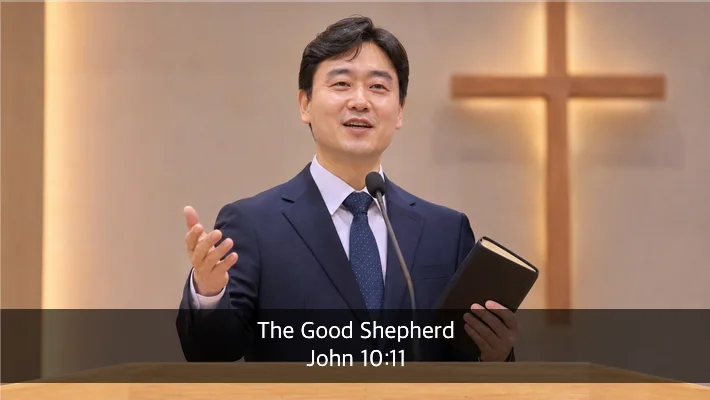
- Lower thirds. Sermon title, Scripture and lyrics run as captions over the camera.
- Picture in picture. Lay a small congregation camera over the worship team camera.
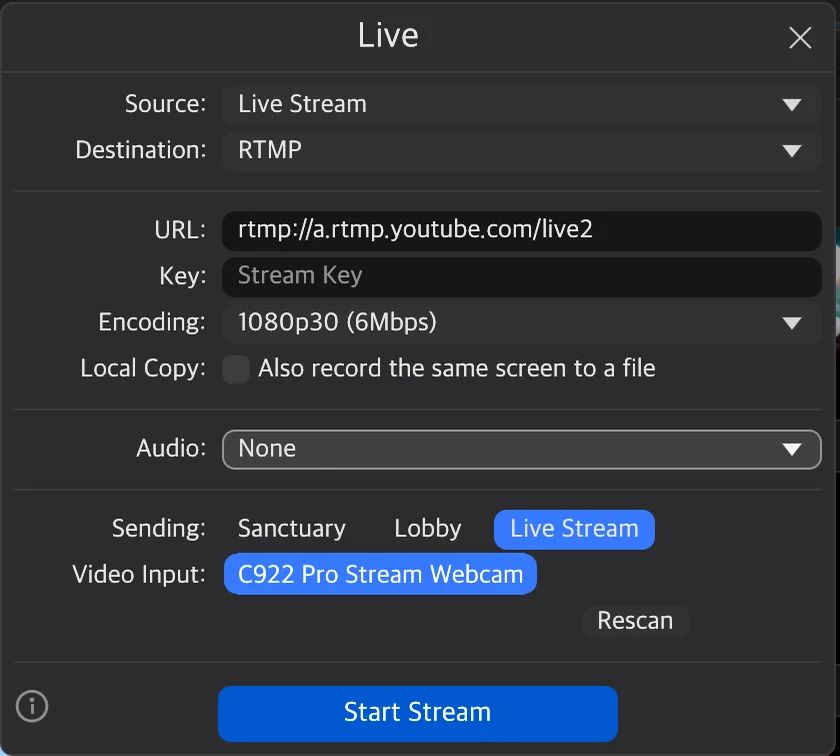
- Live window. Stream to YouTube with an RTMP address and stream key.
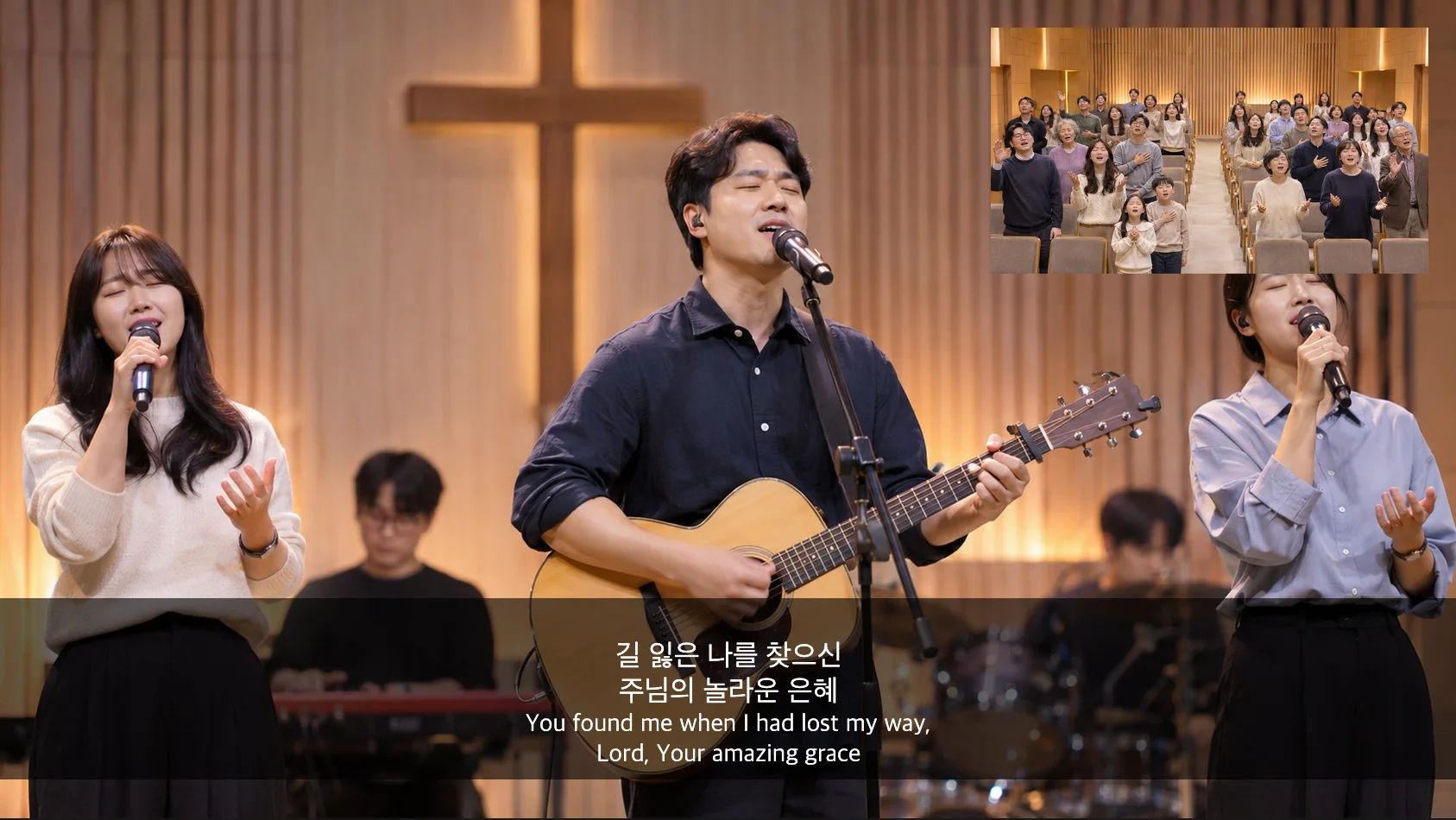
Camera · Look presets
Small for worship,
full for the sermon.
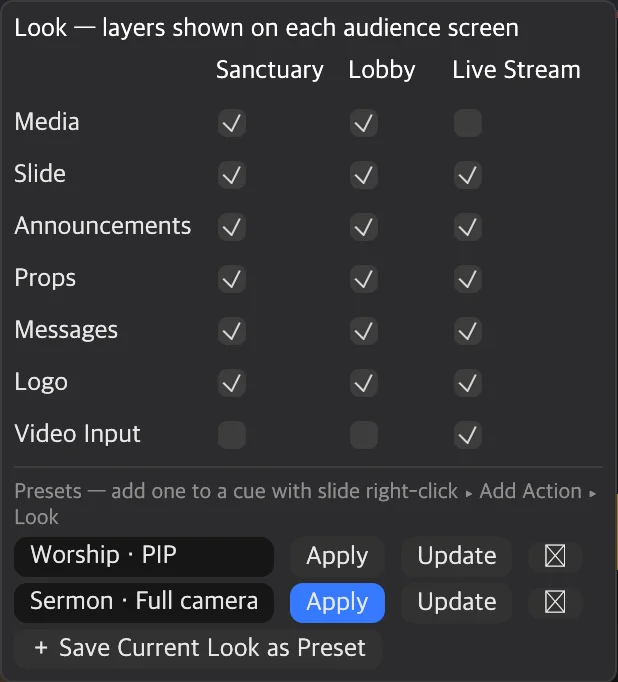
Save the layers and camera position each screen shows as presets, and switch them all at once.
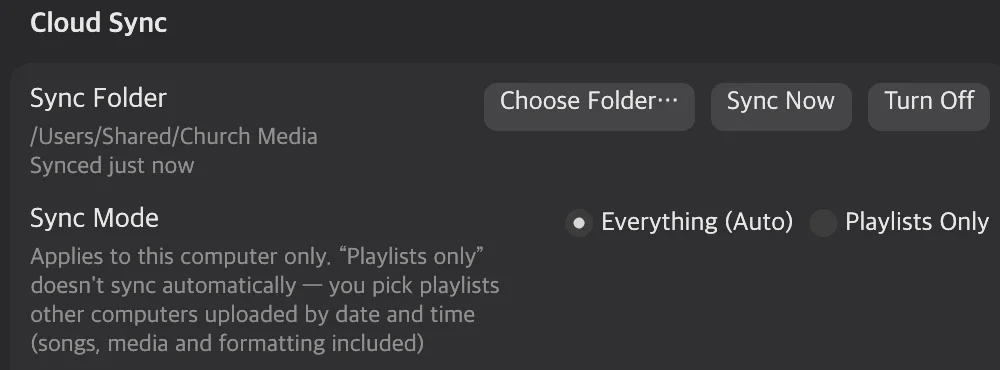
Cloud Sync
Start it at church,
finish it at home.
Pick one Google Drive, iCloud Drive or Dropbox folder to share presentations and playlists with your other Macs.
Pricing
Every feature is free.
No payment, no trial period, no locked features. Download it and start using it.
AI features (service plans, translation, sheet music captions) use your own Claude subscription, and free photo and video search uses a free Pexels API key.
Mac · Windows
For Mac and Windows.
Runs on Apple Silicon Macs and Windows PCs. The Windows beta lacks some features.
- Price
- Free
- Mac
- macOS 11 or later
- Windows
- 10 or later, 64-bit
- Version
- 0.1.67 · DMG
- Languages
- English · Korean
Start this Sunday.
Free — just sign in with your Google account to download (the same account as the forum). The macOS app is notarized by Apple; the Windows app is still in beta. The app opens in your computer’s language (Korean, or English otherwise); change it anytime in Settings ▸ Language.